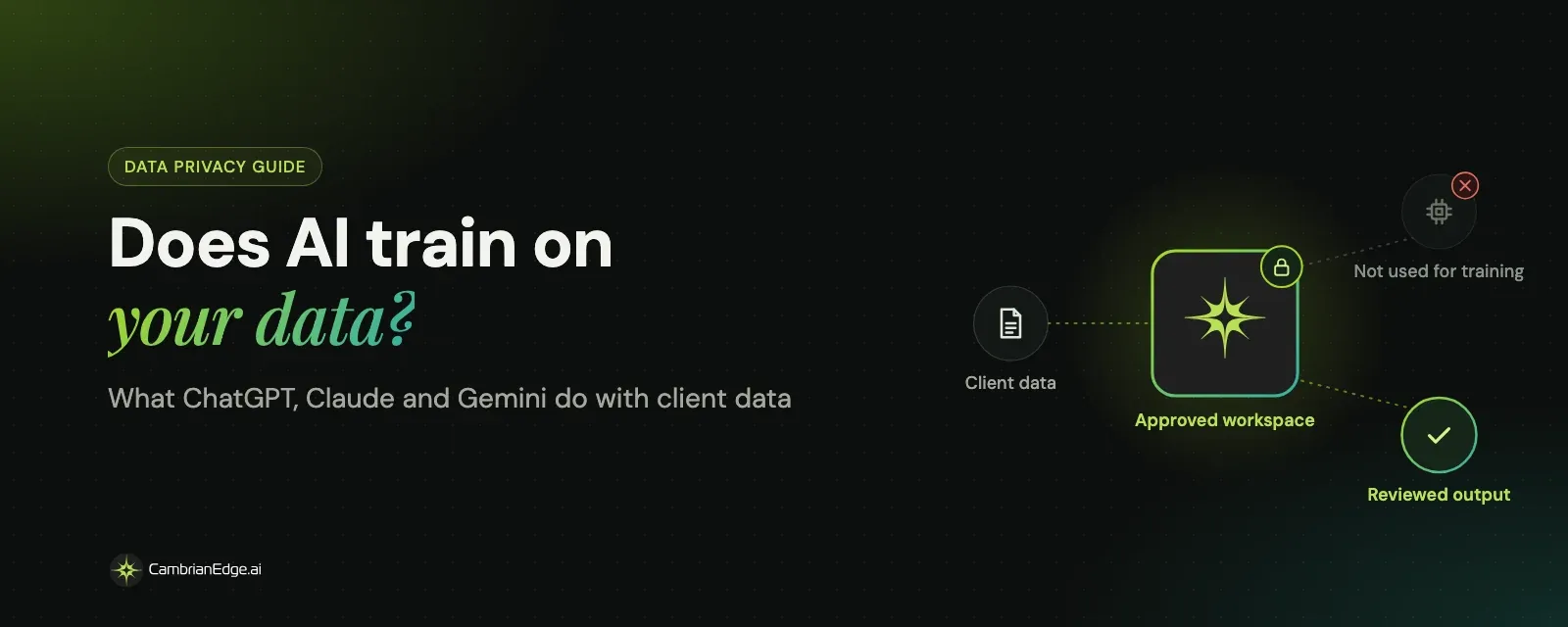
Does AI train on your data? What ChatGPT, Claude and Gemini do with client data
At 3:40 on a Tuesday afternoon, an account manager pastes a client's unannounced launch plan into a personal chatbot to tighten the wording. Thirty seconds later the copy is sharper. The question nobody asked: where did the launch plan go?
Does AI train on your data? It depends on the account, not the brand. On the consumer plans of ChatGPT, Claude and Gemini, your chats can be used to train future models unless you switch that off. Business, enterprise and API plans from all three do not train on your data by default. And "not used for training" is not the same as "not stored."
That afternoon is a made-up scene. The settings behind it are real, and most people never open them.
Does ChatGPT train on your data?
Yes, on personal plans, unless you opt out. No, on business plans, by default.
OpenAI says it may use content from ChatGPT Free, Plus and Pro to train its models. You can turn this off with the "Improve the model for everyone" setting in Data controls. Two details catch people out:
- Feedback overrides the opt-out. On individual plans, if you rate a response with a thumbs up or down, OpenAI may use that whole conversation, even if you have switched training off.
- Temporary chats are excluded. They are not used to improve the models while they remain temporary.
For organizations, OpenAI does not use inputs or outputs from ChatGPT Business, Enterprise, Edu or the API to train its models by default.
Does Claude train on your data?
It depends on what you chose. In October 2025, Anthropic updated its consumer terms so that Claude Free, Pro and Max users decide whether their chats can be used to improve Claude.
- If you allow it, chats can be kept in a de-identified form for up to five years in Anthropic's training pipelines.
- If you don't, Anthropic keeps its standard 30-day retention period.
- On business plans, Anthropic lists "no model training on your content by default" for Claude Team and Enterprise.
Does Gemini train on your data?
On personal Google accounts, yes, while the Keep Activity setting is on. Google says it uses this activity to improve its services, including training its generative AI models, and that a subset of chats is reviewed by trained human reviewers.
Two points matter for client work:
- Reviewed chats stay. Chats seen by human reviewers can be kept for up to three years, and deleting your activity does not remove them.
- Workspace accounts are different. For work and school accounts, Google says chats and uploaded files are not reviewed by humans or used to train models without your organization's permission.
ChatGPT, Claude and Gemini compared
ChatGPT | Claude | Gemini | |
|---|---|---|---|
Personal plans train on chats? | Yes, unless you opt out | Only if you allow it | Yes, while Keep Activity is on |
How to opt out | Data controls, "Improve the model for everyone" | Privacy settings | Turn off Keep Activity |
Business plans train by default? | No | No | No, without your permission |
Catch to watch | Rating a response can override your opt-out | Opting in means up to 5 years of retention | Deleting activity does not delete reviewed chats |
Policies change. Check each provider's current terms for the exact plan you use before you rely on this table.
"Not used for training" does not mean "not stored"
Training is only one of three questions. The other two are how long your data is kept and who can read it.
Even the business options keep some data. OpenAI's API, for example, is not used for training by default, but it keeps abuse monitoring logs for up to 30 days, and those logs can include prompts and responses. Zero data retention is available only for approved customers.
So the right question is never just "do you train on my data?" It is:
- Is my data used to train models, by default and on my plan?
- How long is it kept, and can I delete it?
- Who can read it, and when?
Is it safe to put client data into AI tools?
It is safe only on business terms, with your client's permission, and with no more data than the task needs. It is not safe in a personal account, even with training switched off.
Never paste these into a personal AI account:
- Unannounced launches, pricing or financial results
- Contracts, proposals and anything under NDA
- Customer lists and personal information
- Health, legal or regulated information
- Passwords, API keys or access details
For routine work, remove names and identifying details and use placeholders. For work that needs the real details, use an approved environment.
Five questions to ask before client data goes into any AI tool
Ask these of any AI vendor, including us.
- Does it train on my data by default, on the exact plan we will buy?
- What is the retention period, and can we delete data on request?
- Do humans ever review our inputs, and under what conditions?
- Which certifications and agreements apply, such as SOC 2, ISO 27001, GDPR terms and, for health data, HIPAA?
- Who on our team can use which models, and can we control that centrally?
If a vendor cannot answer all five in writing, do not upload client data yet.
What should agencies tell clients about AI and their data?
Tell clients plainly which AI tools touch their work, on which terms, and who checks the output. Clients rarely object to AI. They object to finding out about it later.
A short AI data note in every statement of work covers most of it:
- Which tools and plans you use, and that they are business plans that do not train on client data by default.
- What you will and will not upload, for example no unannounced financials or personal data without written approval.
- Where client context lives, such as a dedicated workspace for each client rather than shared chat histories.
- Who reviews AI output before anything reaches the client or the public.
- How the client can ask for data to be deleted at the end of the engagement.
Agree it once, at the start, and the question stops coming up in every review. If you are still choosing which tools belong in that note, start with our guide to the best AI tools for marketing agencies.
How CambrianEdge.ai handles your data
CambrianEdge.ai is built so your team can use leading AI models without putting client data at risk.
- No training on your data. Customer data is never used to train AI.
- Certifications. SOC 2, HIPAA, GDPR and ISO 27001.
- Model access you control. Teams choose between OpenAI, Claude, Gemini, Meta and Grok models per task, and admins decide which models the organization can use.
- Roles and approvals. Owner, Admin and Manager roles per workspace, with approval points before anything is published.
- Separate client spaces. Each brand or client can have its own workspace, so context stays where it belongs.
For larger organizations, our enterprise page covers how many teams and models run under one set of rules. For a side-by-side with a personal chatbot, see CambrianEdge.ai vs ChatGPT.
The afternoon, replayed
Back to Tuesday, 3:40 p.m.
This time the account manager opens the client's workspace instead of a personal chatbot. The models available there were approved by the organization in advance. The launch plan is used to draft the copy and is not used to train any model. The draft goes to a reviewer, who checks it and signs off, following the steps in our AI content approval workflow template.
Same thirty seconds. Same sharper copy. This time, everyone knows where the launch plan went.
To see how this works for your team, compare plans or book a demo.
Frequently asked questions


Vishal Sharai
Technical leader driving CambrianEdge.ai's architecture and AI innovation, building scalable, reliable systems that turn ambitious ideas into seamless experiences powering human-centered, high-impact marketing.

Share with your community!
Related Blogs
View All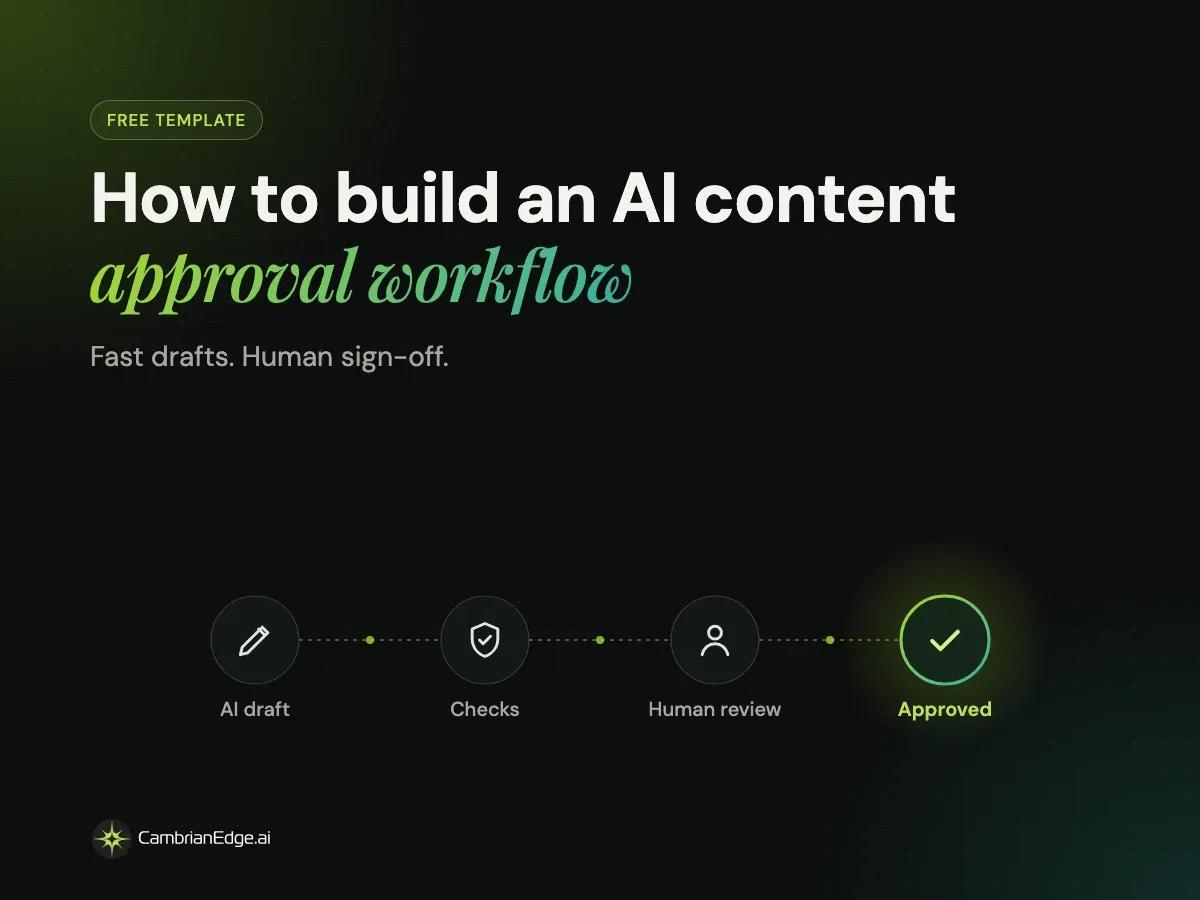
How to build an AI content approval workflow (free template)

Best AI tools for marketing agencies in 2026, picked by job

What Is AI Orchestration for Marketing? A Definition and Framework