AI workflow automation for marketing: 7 automations worth building
Most marketing automations fail quietly. Not because the AI writes badly, but because nobody decided who says yes before the work goes out.
AI workflow automation for marketing is recurring work, such as weekly reports, newsletters and social drafts, that runs on a schedule or a trigger, with AI doing the drafting while a person approves anything that leaves the team. Below are the seven automations worth building first, and where each one needs a human sign-off.
We run this way ourselves. Our customer success team at CambrianEdge.ai runs several automations that produce different newsletters, and each one has an approval step built into the automation itself. Nothing reaches a customer's inbox until a person approves it.
Why do most marketing automations stall?
Most marketing automations stall because they automate the drafting and forget the decision. The draft arrives on time. Then it waits, because nobody knows whose job it is to approve it, or it goes out unchecked and someone has to clean up after it.
This is a widespread gap. In CambrianEdge.ai's AI at Work survey of 136 professionals in 14 countries, 62% said their organization has no defined process for handing AI-generated work to a human reviewer. And in BCG's 2026 survey of 300 CMOs, 42% said they still use generative AI only as an assistant for individual tasks.
The tools are not the problem. Gartner's October 2025 survey of 413 martech leaders found 45% of those using AI agents said vendor-offered agents fall short of expectations. Automation works when the workflow around it is designed, not when another agent is switched on.
CambrianEdge.ai's sign-off map
Before building any automation, map it with three questions. We call this the sign-off map.
- Trigger: what starts it? A schedule, such as every Monday at 9:00, or an event, such as a new form submission.
- Draft: what does the AI produce, and from which approved sources?
- Sign-off: where does the work leave the team, and who approves it there?
The third question is the one teams skip. The rule we follow is simple: put the sign-off where work leaves the team. Before a post is published, before an email or newsletter is sent, before an automation writes to another system. Approving every intermediate step only slows things down.
The 7 marketing automations worth building first
Automation | Trigger | What the AI drafts | Sign-off point | Approver |
|---|---|---|---|---|
1. Weekly performance report | Every Monday | Summary of last week's results and what to test next | Before it goes to leadership or a client | Marketing ops lead |
2. Newsletter | Weekly or monthly | Newsletter from the period's content and news | Before it is sent | Newsletter owner |
3. Social calendar drafts | Weekly | Posts for each channel from approved themes | Before anything is scheduled | Social lead |
4. Lead reply drafts | New inbound lead | A personalized first reply | Before it is sent | Account owner |
5. Campaign brief | New request form | A first brief with audience, goal and channels | Before work starts | Campaign owner |
6. Competitor news digest | Weekly | Cited summary of competitor news | Before it is shared beyond the team | Strategy lead |
7. Content repurposing | A post is published | Versions for social, email and other channels | Before each version goes out | Content lead |
1. The weekly performance report
The weekly report is the easiest place to start. It repeats every week, follows the same structure, and the time it saves is obvious. The AI pulls the numbers together, summarizes what changed and suggests what to test next. A person checks the story the numbers tell before it reaches leadership or a client.
2. The newsletter
A newsletter is the classic recurring draft. The automation gathers the period's content and news and drafts the issue in your brand voice. This is the one our customer success team runs: the draft arrives automatically, a person reviews and approves it inside the automation, and only then does it send.
3. Social calendar drafts
Social drafts are high volume and low risk, as long as someone approves them before they are scheduled. Our in-house social team runs its whole flow this way, from drafting to auto scheduling and publishing, with the approval step built in. See how this works on our social media page.
4. Lead reply drafts
Speed matters with inbound leads, but a wrong promise matters more. Let the automation draft a personalized first reply from the lead's details and your approved product facts, and let the account owner send it.
5. Campaign briefs from a request form
Every marketing team receives vague requests. An automation can turn a request form into a first brief with the audience, goal, channels and timeline filled in, so the campaign owner starts from a draft instead of a blank page.
6. Competitor news digest
A weekly digest of competitor news, product launches and press, with sources cited, keeps the team informed without anyone spending Friday afternoon searching. The sign-off matters only if the digest is shared beyond the team.
7. Content repurposing
When a post goes live, an automation can draft versions for each social channel, the newsletter and sales follow-ups. Each version should pass the same approval as original content, because a repurposed claim can drift just as easily. We wrote about that drift in the real cost of marketing tool sprawl.
How do you keep automated content on brand and accurate?
Automated content stays on brand when every automation drafts from the same approved sources. If each automation carries its own prompt and its own copy of the brand rules, they drift apart within weeks.
In CambrianEdge.ai, each workspace has its own Brand DNA, brand voice and Knowledge Hub, so every automation in that workspace drafts from the same voice and the same approved documents and facts. Claims are checked against your sources before a person reviews the draft. For the review itself, use our AI content approval workflow template.
How do you measure whether an automation is worth keeping?
Measure two things for each automation: time saved and first-pass approval rate. If the approver keeps rewriting the draft, the automation is not saving time yet, and the inputs need work.
Structure pays off. In CambrianEdge.ai's AI at Work survey, teams with defined hand-offs between AI and people reported significant outcomes 71% of the time, against 38% for teams without them.
Inside CambrianEdge.ai, Content Impact shows hours saved, work produced and milestones by person, so leadership can see what each automation delivers.
A week in the life of one automation
Here is the shape of a week for a newsletter automation like the ones our customer success team runs.
- Monday: the automation gathers the week's content, product updates and customer stories from the workspace.
- Tuesday: it drafts the issue in the brand voice, from approved facts only.
- Wednesday: the draft lands with the newsletter owner, with a reminder in the tools they already use.
- Thursday: the owner edits one line, approves it, and the newsletter sends.
Nobody copied anything between tools. Nobody wondered who was supposed to say yes. That is the whole point: the AI does the recurring work, and a person makes the decision.
How to start with AI workflow automation this month
- Pick two automations from the list above, ideally the weekly report and the newsletter.
- Fill in the sign-off map for each: trigger, draft, sign-off point and approver.
- Approve the inputs once: brand voice, approved facts and sources.
- Run both for four weeks and track time saved and first-pass approval.
- Add the next automation only when the first two run smoothly.
CambrianEdge.ai is built for this. Weekly briefs, monthly reports and lead replies run on a schedule, with an approval step wherever work leaves the team, and the workspace connects to 43+ tools, including Slack, Asana and Notion. See how it works for marketing operations and in approvals and governance, or compare plans.
Frequently asked questions


Vishal Sharai
Technical leader driving CambrianEdge.ai's architecture and AI innovation, building scalable, reliable systems that turn ambitious ideas into seamless experiences powering human-centered, high-impact marketing.

Share with your community!
Related Blogs
View All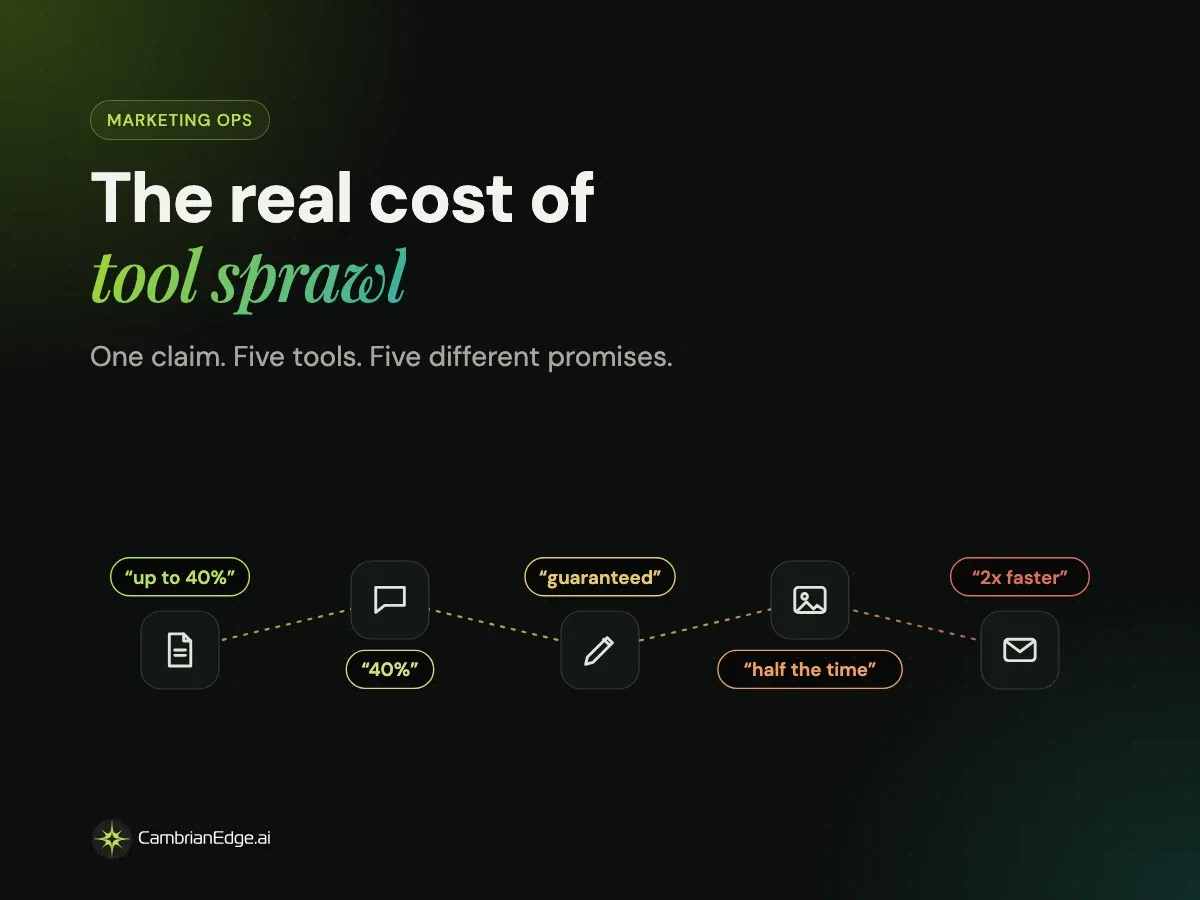
The real cost of marketing tool sprawl, and how to fix it without ripping out your stack

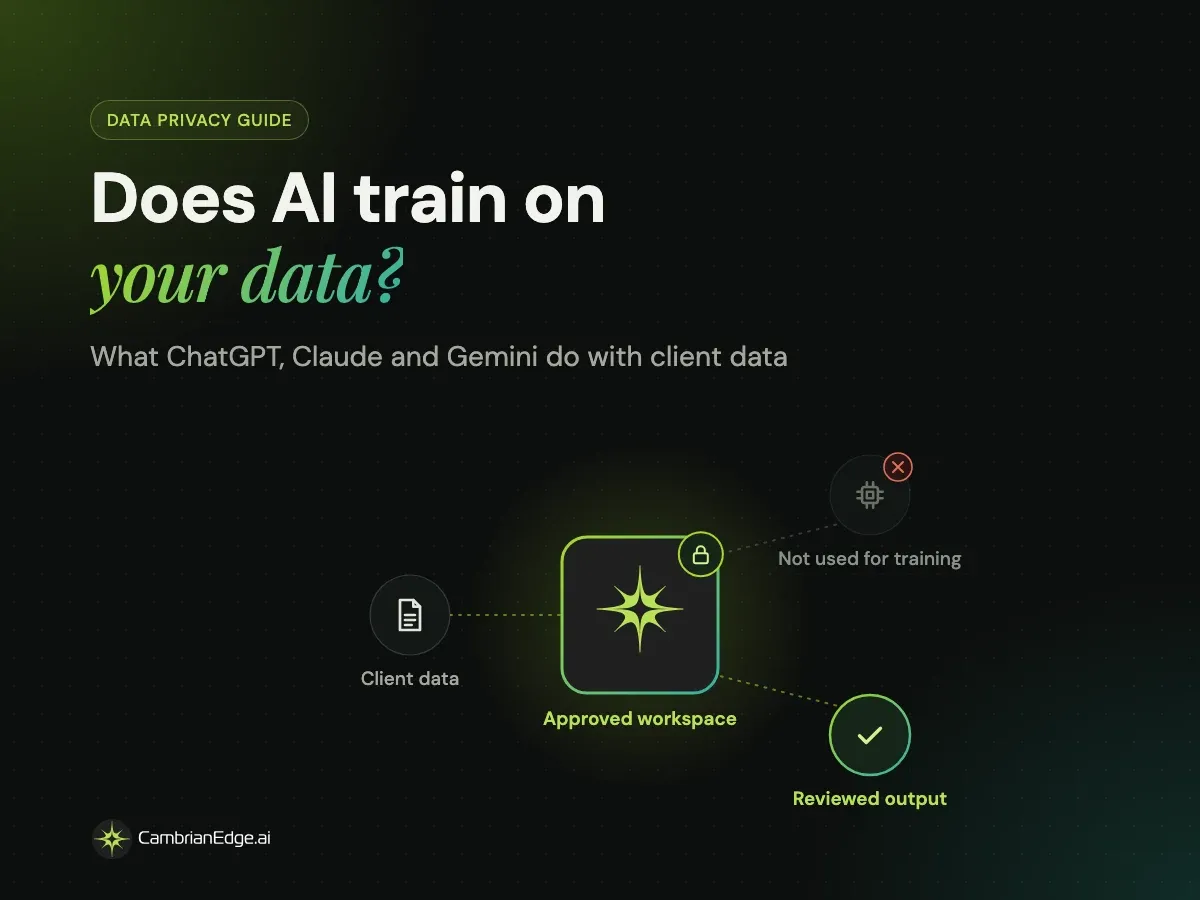
Does AI train on your data? What ChatGPT, Claude and Gemini do with client data

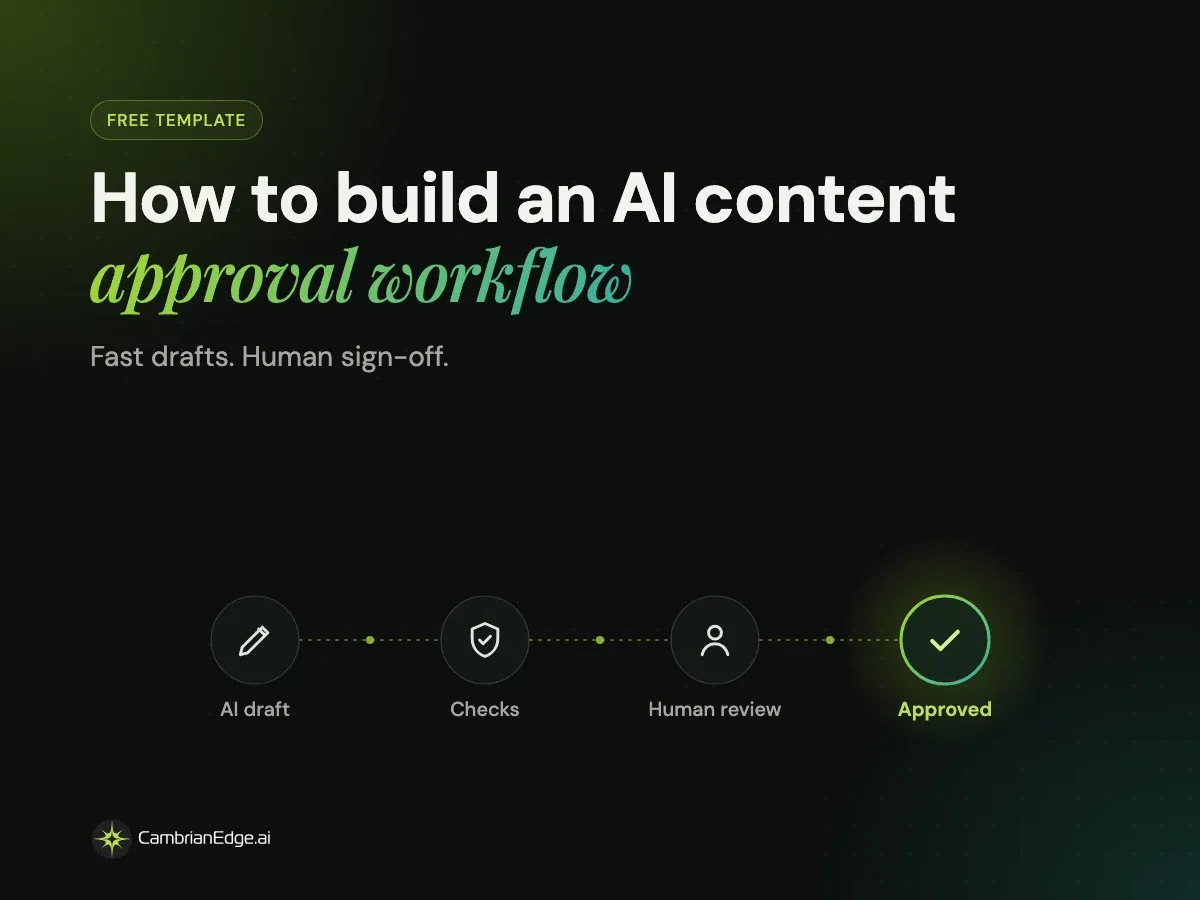
How to build an AI content approval workflow (free template)